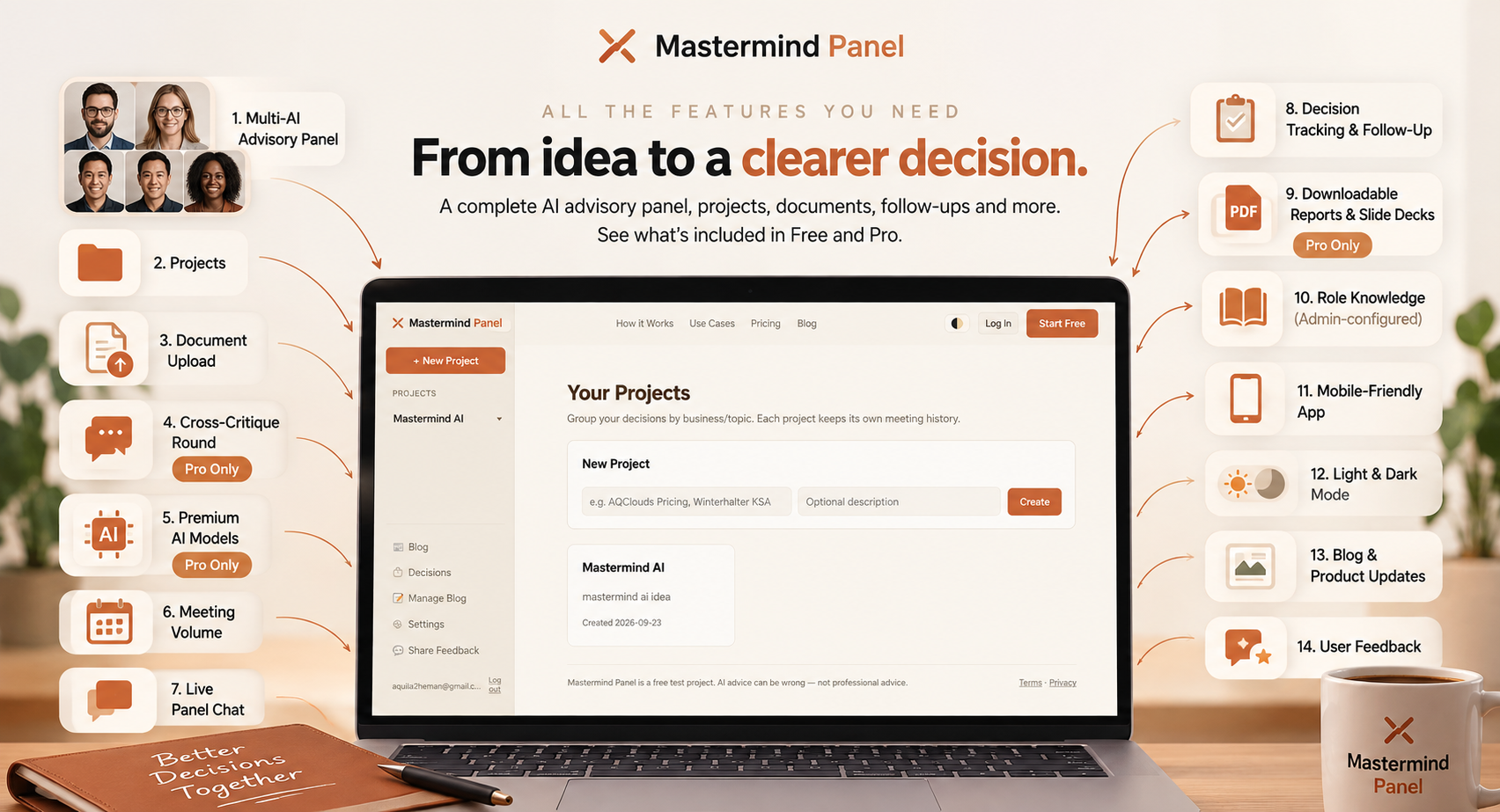
Mastermind Panel has grown a lot since the first version, so here's the full picture in one place: every feature, and exactly what's Free versus what's Pro.
The short version: the core experience — the panel itself, chat, documents, decision tracking, the blog, feedback — is the same on both plans. Free is capped on scale (fewer advisors, one round, fewer meetings a month), while Pro removes those caps and adds a few things Free doesn't have at all, like cross-critique, premium models, and exports. Here's the full breakdown.
The full feature list
- Multi-AI Advisory Panel (Free & Pro) — The core of the product. Pick from specialized advisor roles — including the Risk Auditor, the Optimist, the Cost-Cutter, the Legal Advisor, the Brand Strategist, and the Systems Architect — and they analyze your decision independently before challenging each other.
- Projects (Free & Pro) — Organize your decisions into projects, each with its own full meeting history.
- Document Upload (Free: 2 documents per project, 2MB each · Pro: 10 documents, 10MB each) — Attach contracts, proposals, or business details to a project. Every meeting in it reads them automatically before answering.
- Cross-Critique Round (Pro only) — On Free, each advisor gives one independent answer. On Pro, they go a round further — reading each other's answers and directly challenging or reinforcing them, which is where the real disagreements surface.
- Premium AI Models (Pro only) — Free runs on OpenRouter's free model router — genuinely $0, not a trial. Pro lets each role run on whichever model is actually configured for it — Claude, GPT, Gemini, or others.
- Meeting Volume (Free: 5 meetings/month · Pro: unlimited) — Free resets on the 1st of every month. Pro has no cap.
- Live Panel Chat (Free & Pro) — Keep talking to your panel after a meeting ends — ask a follow-up, address a specific advisor by name, or pull an updated recommendation at any time.
- Decision Tracking & Follow-Up (Free & Pro) — Record what you actually decided, and Mastermind Panel reminds you later to check how it played out — then compare the real outcome against what the panel expected.
- Downloadable Reports & Slide Decks (Pro only) — Turn a finished meeting into a polished, downloadable PDF report or a slide deck.
- Role Knowledge (Free & Pro — admin-configured) — Advisor roles can be given their own reference material — a policy document, a standards handbook — so they reason from real source material instead of general knowledge. Not a setting you toggle yourself, but it's shaping how some advisors already answer.
- Mobile-Friendly App (Free & Pro) — Full sidebar navigation collapses into a slide-out menu on your phone.
- Light & Dark Mode (Free & Pro) — Your choice, remembered per device.
- Blog & Product Updates (Free & Pro) — The page you're reading right now — news, guides, and what's shipping next.
- User Feedback (Free & Pro) — A quick form once you've run a couple of meetings — how you heard about us, a rating, your thoughts, and what you'd pay. We read every one.
Pro is invite-only while we're still in this early phase — if you want in, the "Upgrade to Pro" button is in the sidebar, or just ask.
That's everything, as of today. If there's something you wish it did that isn't on this list, that's exactly what the feedback button is for.
Comments
No comments yet — be the first.